What 'AI Agent' Actually Means When a Vendor Says It
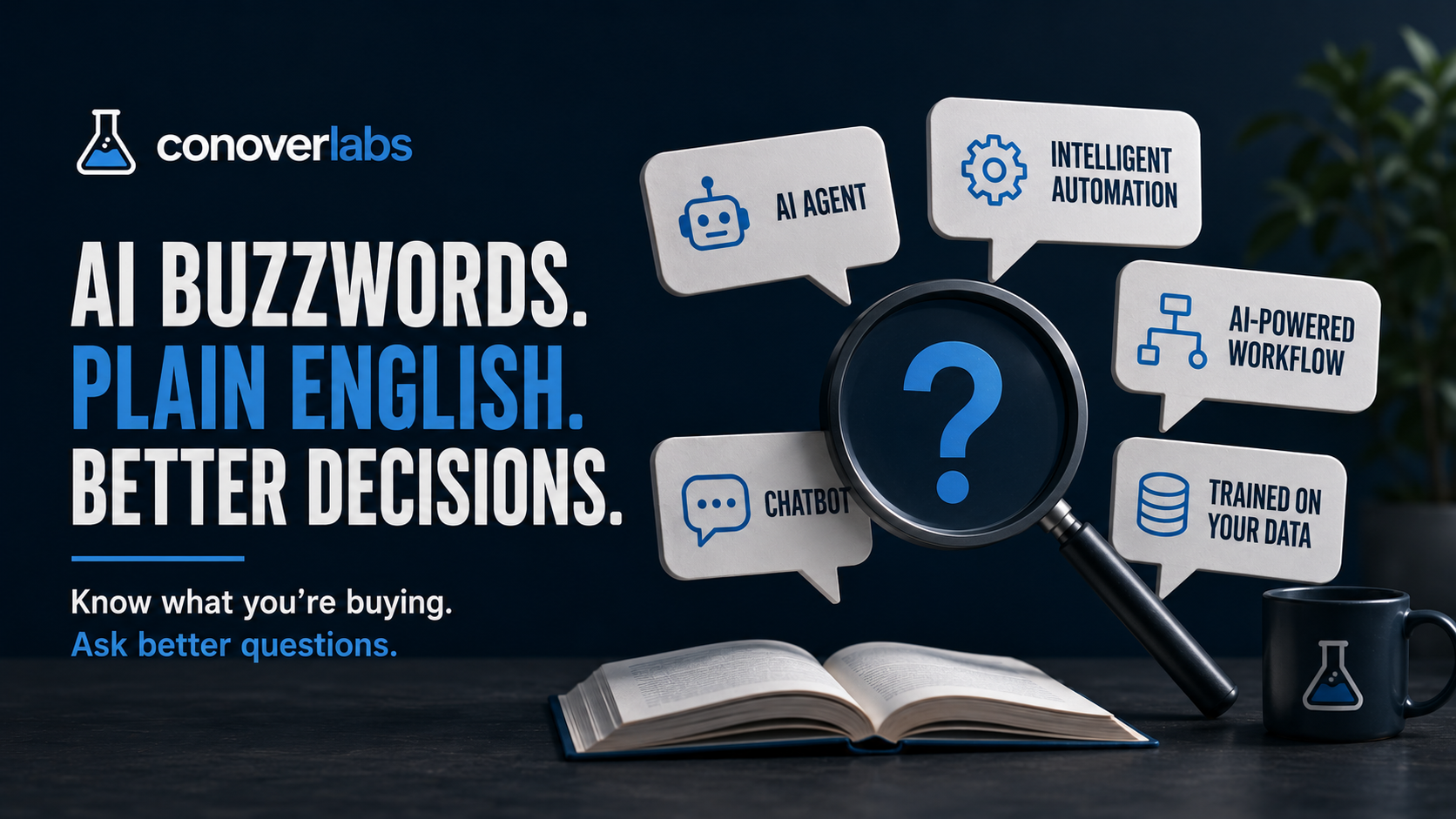
Every AI vendor in 2026 uses the same five phrases. None of them mean the same thing twice.
“AI agent.” “Intelligent automation.” “AI-powered workflow.” “Trained on your data.” These show up in every pitch deck, every product page, every cold email from someone who wants to sell you the future of your business. The words sound precise. They aren’t. Most of them describe a range of things so wide that the label alone tells you almost nothing about what you’re actually buying.
I build these systems for a living, and even I have to ask vendors what they mean when they use half of these phrases. So here’s a plain-English glossary. What each term actually covers, what it usually doesn’t, and the questions that cut through the fog when someone drops one in a pitch.
AI agent
This is the big one right now, and the most abused.
An AI agent is software that can take a goal, break it into steps, and execute those steps on its own, making decisions along the way. The key word is “on its own.” A chatbot waits for you to ask something and gives you an answer. An agent goes and does things. It might read your inbox, decide which emails are leads, draft a response, and send a follow-up three days later if nobody replies. Multiple steps, some judgment, minimal hand-holding.
What it doesn’t mean: anything that uses AI. A tool that generates text when you press a button is not an agent. A chatbot that answers questions from a script is not an agent. If a human has to initiate every action and approve every step, that’s an AI assistant, not an agent. The difference matters because you’re paying for autonomy. If the thing still needs you at every step, you haven’t bought much.
The question to ask: “What can this do without a human in the loop? Walk me through one real task from trigger to completion.”
AI-powered [anything]
The vaguest phrase in the whole space, and it’s everywhere. AI-powered CRM. AI-powered scheduling. AI-powered customer service.
It means somewhere inside the product, a model is doing something. That something might be impressive or it might be trivial. Sometimes “AI-powered” means the product uses a language model to draft emails, summarize conversations, or route incoming requests. Real features, genuinely useful. Other times it means there’s a basic classifier sorting things into two buckets, which has existed for a decade and used to just be called “a filter.”
The label tells you nothing about how much AI is involved, how well it works, or whether you could get the same result from a simpler tool that costs less.
The question to ask: “Which specific features use AI, and what do those features do that the non-AI version didn’t?”
Intelligent automation vs. workflow automation
Workflow automation has been around forever. If this happens, do that. A form gets filled out, so an email goes to the sales team. An invoice hits 30 days past due, so a reminder sends. Rules. No AI involved. Tools like Zapier, Make, and n8n do this well and have for years.
“Intelligent automation” is workflow automation where at least one step involves an AI model making a judgment call instead of following a fixed rule. Instead of “if the email contains the word ‘quote,’ route it to sales,” the AI reads the email, decides what the person actually wants, and routes accordingly. It handles the messy, ambiguous cases that rule-based systems choke on.
The useful distinction: workflow automation is cheaper and more predictable. Intelligent automation handles messier inputs but costs more and can be wrong. Most small businesses need more plain workflow automation before they need the intelligent kind. Get the rules right first. Add the AI where the rules break down.
The question to ask: “Which steps use AI and which are just rules? What happens when the AI step gets it wrong?”
Chatbot
A chatbot is software that has a conversation with a user, usually through a text interface on a website. That’s it. The range within that definition is enormous.
On the simple end, a chatbot follows a script. You click a button, it asks a question, you pick from options, it gives a canned response. No AI. These are basically interactive FAQs. They work fine for routing simple questions and collecting contact info.
On the complex end, a chatbot is powered by a large language model. It can hold a real conversation, understand context, and answer questions it hasn’t been specifically programmed for. Some of these can pull information from your business’s own documents, look up order status, or hand off to a human when they’re stuck.
The word “chatbot” covers both kinds. When a vendor says “chatbot,” the first question is which kind. The price difference between a scripted chatbot and an LLM-powered one is significant, and so is the capability gap.
The question to ask: “Can it answer questions it wasn’t specifically programmed for, and what does it do when it doesn’t know the answer?"
"Trained on your data”
This phrase causes more confusion than any other single claim in AI sales.
What it usually means: the vendor took a pre-built language model, and when it answers questions about your business, it looks up information from your documents, your website, your knowledge base. The model itself wasn’t retrained. Your data is used as reference material, not as training data. This is called retrieval-augmented generation, or RAG. It works well for a lot of use cases.
What it sometimes means: the vendor fine-tuned a model on your data, adjusting the model’s internal weights so it inherently knows your terminology and domain. More expensive, takes longer, harder to update.
What it almost never means: that the vendor built a model from scratch using your data. Nobody is doing that for a small business. The economics don’t work.
Why this matters: RAG can be set up in days and updated whenever your information changes. Fine-tuning takes weeks and requires retraining to update. If a vendor says “trained on your data” and can have it running in 48 hours, it’s RAG. That’s perfectly fine for most business use cases. But you should know what you’re getting, because the maintenance story is completely different.
The question to ask: “Is this retrieval or fine-tuning? How do I update the information it knows about my business?”
AI copilot vs. AI agent
These two get conflated constantly, and the difference is the most important one in this whole glossary.
A copilot helps a human do their job faster. It suggests, drafts, and summarizes. The human decides and acts. A copilot waits for you.
An agent acts on its own. It takes a trigger, makes decisions, and executes without waiting for approval at each step. An agent goes without you.
Neither is better. For tasks where being wrong is cheap and speed matters, an agent works. For tasks where judgment matters and mistakes are expensive, a copilot that keeps a human in the loop is the right call.
Most of what gets sold as an “agent” today is actually a copilot. Not because the vendor is lying, but because the line is genuinely blurry right now and “agent” sounds better in a pitch.
The question to ask: “Does this take action on its own, or does it suggest actions for a person to approve?”
Five questions that work on any AI vendor
These work on anyone selling any AI product. Including me. If a vendor can’t answer them clearly, they either don’t understand what they built or they’re hoping you won’t ask.
-
What specific tasks does it handle, and what still needs a person? A clear answer means they know the product’s limits. A vague answer means you’ll be the one who discovers them.
-
What happens when it gets something wrong? Every AI system is wrong sometimes. The question is whether that failure is cheap (a draft that needs editing) or expensive (a wrong price sent to a customer). If they say it doesn’t get things wrong, leave.
-
Can I see it handle a real example from my business? Not a demo. Your data, your edge cases, your actual workflow. Demos are built to work. Your business is not a demo.
-
What does it cost to run after setup? Monthly API costs, per-message fees, maintenance when something breaks, cost to update when your business changes. Get the ongoing number, not just the build number.
-
What am I locked into? Can you take your data out? Can you switch providers? Does everything stop if you stop paying? Vendor lock-in is a real cost that shows up later and is almost never discussed upfront.
The real filter
The vocabulary in this post is useful once you know what the words mean. But the vocabulary isn’t the point.
The point is that precise language forces precise thinking. And precise thinking is how you avoid buying something that sounds good in a pitch and does nothing on a Tuesday afternoon when a real customer has a real problem.
When a vendor throws a term at you, don’t nod. Ask what they mean by it, in plain language, applied to your business. The ones who can answer clearly are worth talking to. The ones who can’t are selling the word, not the work.
Have a project in mind? We'd love to hear about it.
Start a conversationRelated posts
The AI Automations That Actually Earn Their Keep in a Small Business
A practical list of the AI automations that pay back the setup time for a small business, the ones that are oversold, and where to start.
Private Equity Bought Your Competitor and Gave Them a Tech Stack
PE-backed roll-ups are winning home services on response speed and booking systems. Most of that stack is rentable. Here's how to keep up.
Your Past Customers Are Your Cheapest Source of New Revenue
The customers who already paid you and went quiet are the easiest to bring back. Here's what reactivation actually looks like for service businesses.