How to Get Your Home-Service Business Into Google's Local Pack
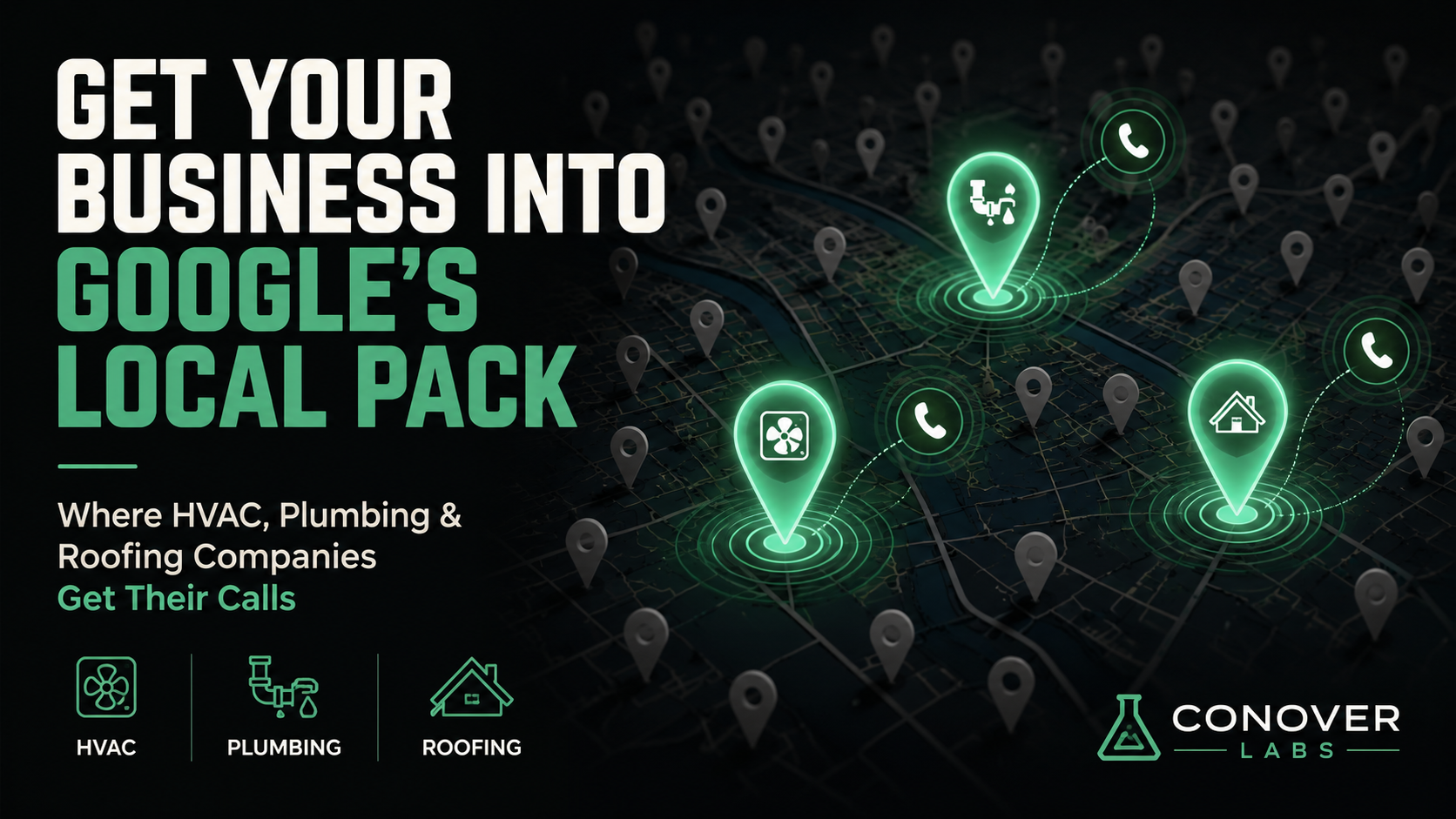
The phone calls come from three boxes on a map. That’s it.
If you run an HVAC company, a plumbing business, or a roofing crew and you’re wondering why your website isn’t bringing in the local calls you expected, this is probably why: for home-services searches, most people never scroll past the Local Pack. They see three results, they read the ratings, and they call. The organic results below are basically furniture.
Getting into those three boxes is a separate project from building a good website. Different inputs, different tools. Here’s what actually goes into it.
What the Google Local Pack actually is
The Local Pack (sometimes called the map pack or three-pack) is the cluster of three business listings Google shows at the top of local search results. It appears when someone searches for a service tied to a place: “plumber near me,” “HVAC repair Dallas,” “roofing company in [city].” You get a small map, three businesses with star ratings and a phone number, and a few options to call or get directions.
These results don’t come from standard search ranking factors. They come from Google Business Profile, from your business’s local authority signals, and from how relevant and trustworthy Google reads your business to be for that specific search.
The rest of this post is about what goes into that read.
Your Google Business Profile is the foundation
If you haven’t claimed your Google Business Profile, stop reading and do that first. It’s free, it takes ten minutes to claim, and it’s the primary data source Google uses to build your Local Pack listing. An unclaimed profile is a profile your competitor is happy you haven’t dealt with.
What you need to get right:
- Business name. Use your actual operating name. Not “Dallas Best Plumbing 24/7 Emergency” if your company is called Tyler’s Plumbing. Google penalizes keyword-stuffed business names, competitors can report violations, and your name should match what’s on your truck, your invoices, and your website.
- Phone number. A local number. If you use call-tracking numbers, keep those for your own analytics and use the real local number as your primary listing contact.
- Address or service area. If you go to customers (most home-service businesses do), set yourself up as a service area business and list the cities or zip codes you cover. You don’t need to display a home address.
- Hours. Keep them current. A wrong hour is a small problem until someone tries to call on a Saturday and gets nothing.
- Photos. Add real photos: your trucks, your team, before-and-after work. Not stock photos. Profiles with genuine photos get more clicks, and they signal to Google that an actual business is running this listing.
- Services. Fill out the services list completely. Google uses it for relevance matching.
Categories are not a formality
Your primary business category is the most important signal you give Google about what your business does. Get it wrong and you’ll show up for searches that don’t convert while missing the ones that do.
For common home-service verticals, the right primary categories are:
- HVAC: “HVAC contractor”
- Plumbing: “Plumber”
- Electrical: “Electrician”
- Roofing: “Roofing contractor”
The temptation is to pick something broader, like “general contractor,” because it seems to cover more. It doesn’t work that way. Broader means less specific, which means Google is less confident about your relevance for any single search type. Pick the most specific category that accurately describes your main service, then add secondary categories for everything else you do.
NAP consistency: tedious but real
NAP stands for Name, Address, Phone. Google cross-references how your business is listed across the web (Yelp, Angi, BBB, HomeAdvisor, your chamber of commerce directory) and inconsistencies erode local authority.
If your business is “Smith Plumbing” on your website, “Smith Plumbing LLC” on Yelp, “Smith Plumbing & Heating” on Angi, and “B. Smith Plumbing” on the BBB, Google is working with four slightly different records of who you are. Not a disaster on its own, but it adds up, and it’s easy to fix.
Audit the major directories. Pick one canonical version of your name and phone number and update anything that doesn’t match. Tools like BrightLocal or Whitespark can automate the audit if you’d rather not do it by hand. This is a two-hour project that improves a real ranking input, and then you’re done with it.
Reviews are a ranking signal, not just social proof
Your star rating and review count are the first things potential customers see before they click anything. They’re also a genuine Local Pack ranking factor. Both the number of reviews and their recency matter. A business with 200 reviews from four years ago isn’t automatically better positioned than one with 60 reviews from the last twelve months.
The most effective system: ask every satisfied customer for a review right after the job. Text them a direct link to your Google review page. Not a vague “let us know how we did.” A direct link to the exact place where they leave the review, while the job is still fresh.
Don’t pay for reviews. Don’t use services that filter out unhappy customers before asking. Don’t have employees leave reviews from their home addresses. Google has gotten better at detecting all of these, and the penalties are real.
Also: respond to your reviews. All of them, including the bad ones. There’s no strong evidence that responding directly boosts Local Pack rankings, but a calm, professional response to a one-star review does more for your reputation than ten “thanks so much!” replies to five-star ones. It signals to Google that the account is actively managed, and the next person reading before they call will see how you handle complaints.
What “near me” actually means for your business
“Near me” searches don’t use your business address to determine proximity. They use the searcher’s location. If someone is sitting in a neighborhood three miles from your office when they search “HVAC repair near me,” Google shows them businesses it considers relevant and accessible from where they are right now.
For service area businesses, a few things follow from this:
- You can show up across your entire service area, not just near a single address.
- Showing up prominently in a specific suburb requires signaling relevance to that area: service area settings that include it, reviews that mention it, and website content that references it.
- You can’t fully control which neighborhoods you appear in, but you can make sure Google has an accurate picture of where you actually operate.
Where most service businesses fall short
In practice, the most common failures I see aren’t technical or obscure.
Unclaimed or abandoned profiles. The business shows up on Google because someone mapped it, but no one has taken ownership. The hours are wrong. There are no photos. No one has responded to a single review. It looks dead, because for all practical purposes it is.
Wrong primary category. Usually too broad. Chosen once during setup and never revisited.
No review acquisition system. The owner knows reviews matter but relies on customers to volunteer them. Some do. Most don’t.
NAP scattered across old directory listings from when the business was at a different address or under a different name. Nobody cleaned them up.
None of these are hard to fix. They’re just easy to ignore because they don’t feel urgent.
The Local Pack is dominated by whoever shows up, claims their listing, gets reviews, and keeps things current. In most cities, for most home-service categories, the bar is embarrassingly low.
The question is whether you’ve cleared it.
Have a project in mind? We'd love to hear about it.
Start a conversationRelated posts
How to Show Up in ChatGPT and Google AI Overviews When Customers Search Your Industry
The practical steps a small business can take this week to get cited in ChatGPT, Google AI Overviews, and other AI answer engines.
GEO vs SEO: What Generative Engine Optimization Is and Why It Matters Now
What GEO is, how it differs from SEO, and why small businesses need their websites to be found by AI answer engines too, not just Google.
SEO Is Dying. Here's What Replaces It.
Google AI Overviews and ChatGPT changed the research phase of customer decisions. Here's what GEO and topical authority mean for your content strategy.